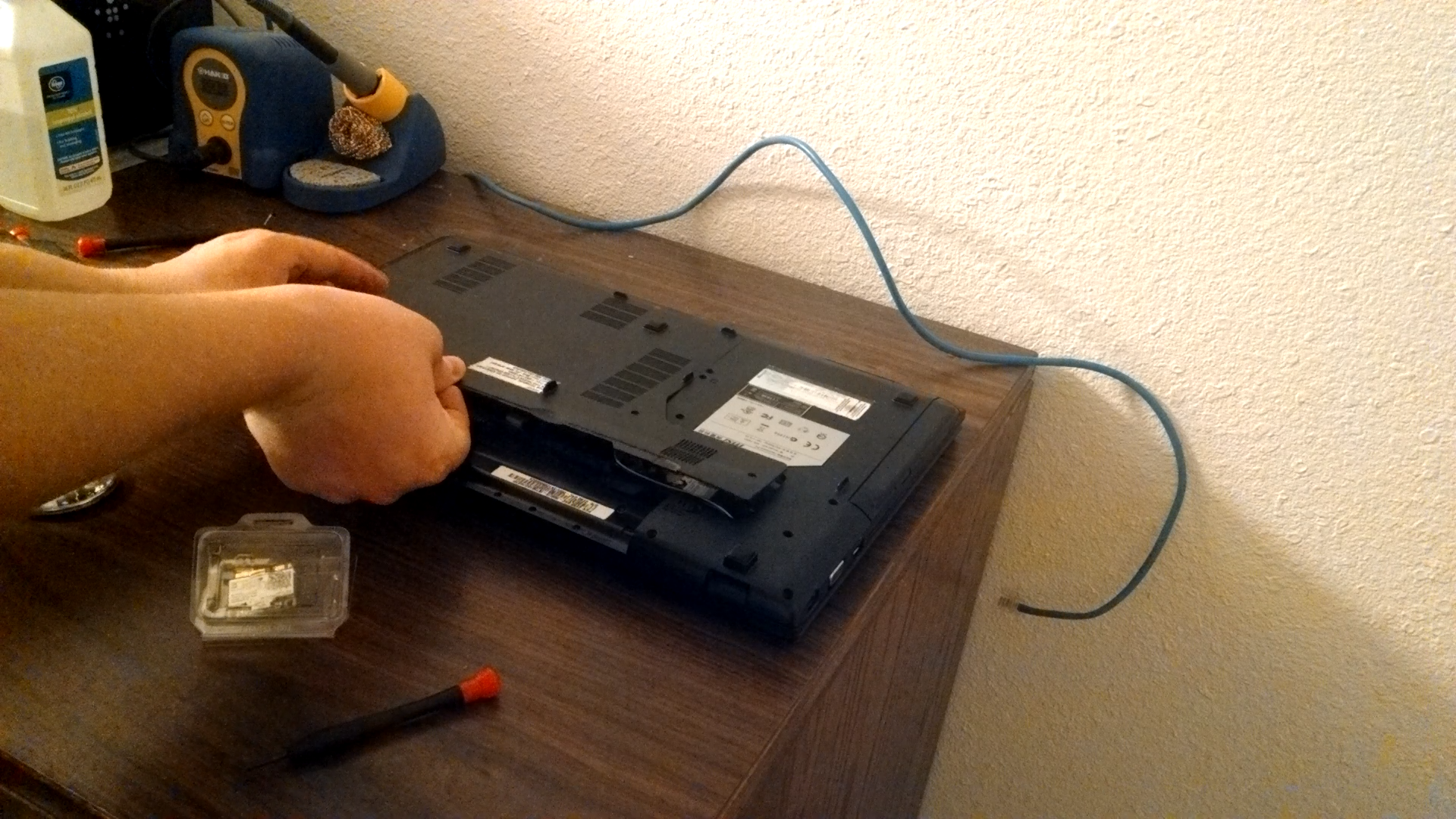
This guide will help you upgrade/install your WiFi card. It is remarkably easy and inexpensive.
For this guide, we will be using the Intel Wireless-AC 7260 H/T dual-band card, but any compatible card should work. Before you get started, take a look inside your laptop (see the middle of the video) and make sure the wifi card you have in your laptop is a PCI express half mini card. Chances are it is if the laptop is relatively new, but it helps to be sure before you purchase a card.
Another quick question you might have is whether this will work if the previous card had a wireless n card. It will work just fine and it is a great way to add 5 GHz WiFi functionality to your computer. Enjoy!